Logging in to the dashboard
Log in, switch between organizations and log out safely.
- For owners
- For managers
On this page
What it's for
The web dashboard is where owners and managers see sales, manage products and stock, and handle staff. Cashiers don't use the dashboard; they log in on the till with a PIN.
Before you start
You need the email and password you signed up with, or that an owner invited you with.
Steps
- Choose Log in at the top of any page.
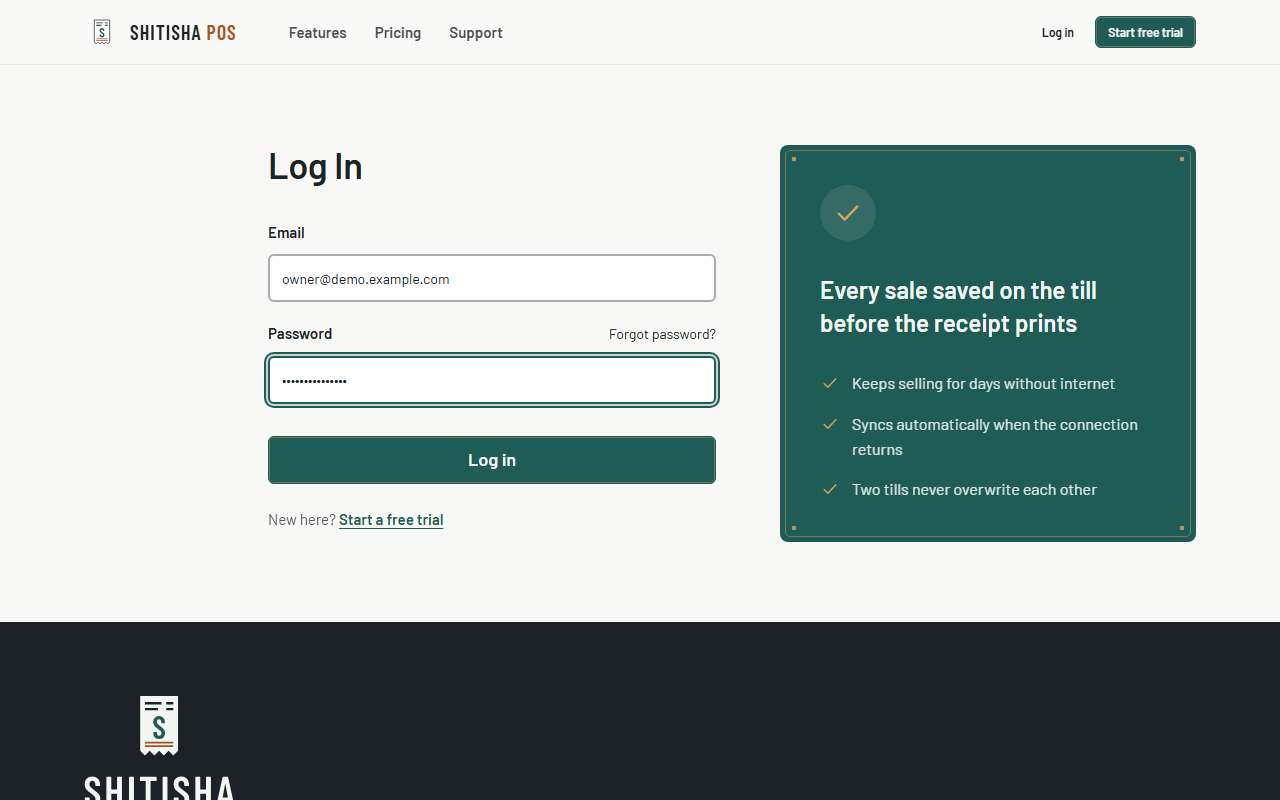
- Enter your email and password, then choose Log in. Capital letters in your email don't matter.
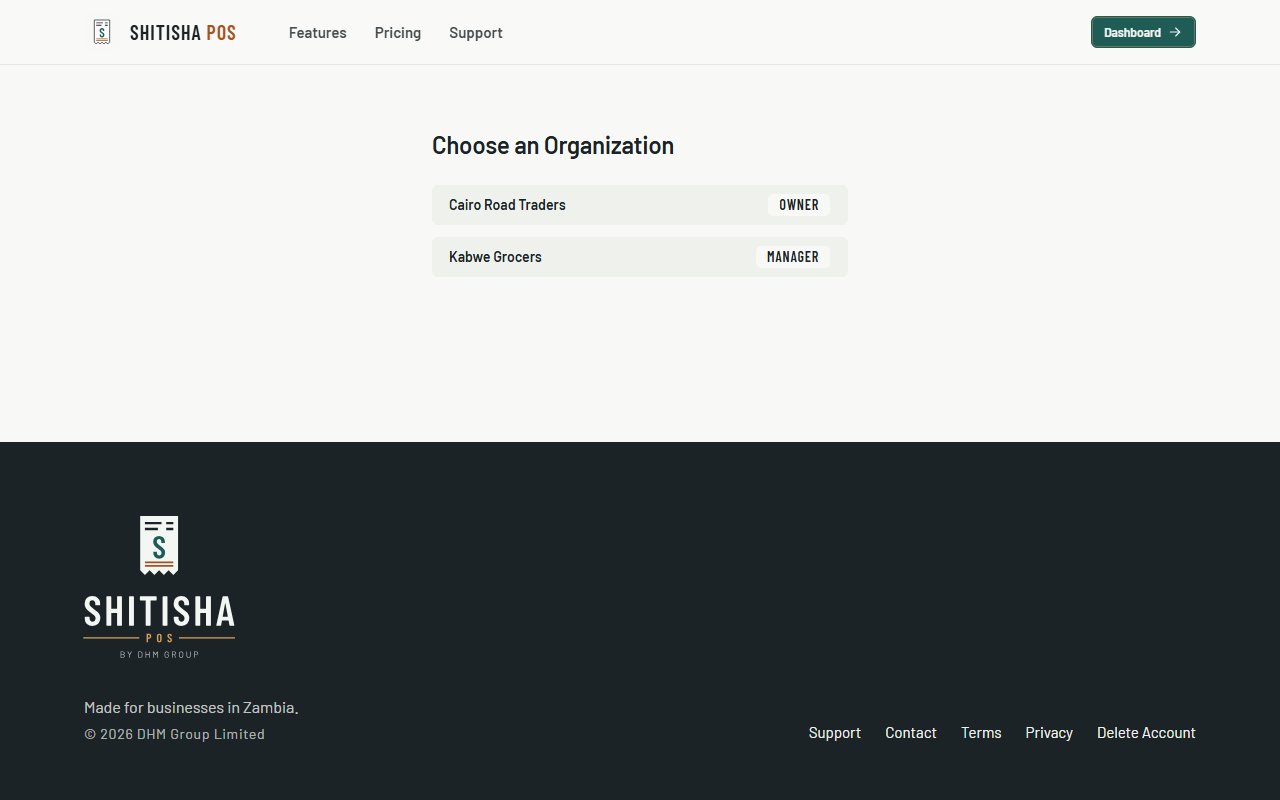
- If you work for more than one business, choose which one to open.
- To change business later, open the account menu (your initial, top right of the dashboard) and choose Switch Organization.
- When you're done on a shared computer, open the same menu and choose Log Out.
Common questions
It says "Email or password is incorrect".
Check your email for typos and try again. After 10 wrong attempts, logging in is paused for 15 minutes to protect your account.
I forgot my password.
Password reset is coming soon. For now, contact us and we'll help you get back in.
How long do I stay logged in?
Up to 14 days on the same browser, unless you log out.