Getting started
Sign up, start your free trial and get your first store ready.
- For owners
On this page
What it's for
This guide takes you from nothing to a working account with your first store. You get a 14-day free trial with every feature, and you don't need a bank card.
Before you start
You need:
- an email address you can open now (we send a confirmation link)
- the name of your business and of your first store
Steps
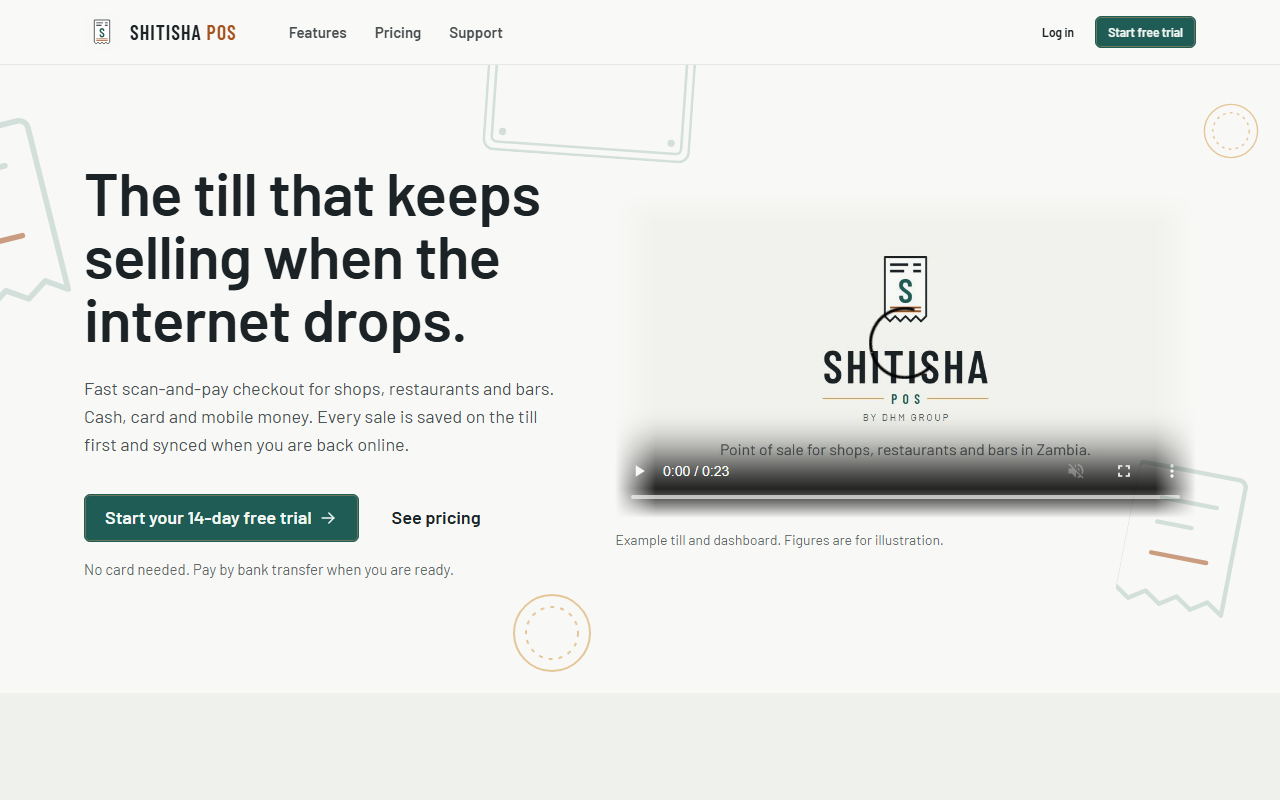
- Go to the home page and choose Start free trial.
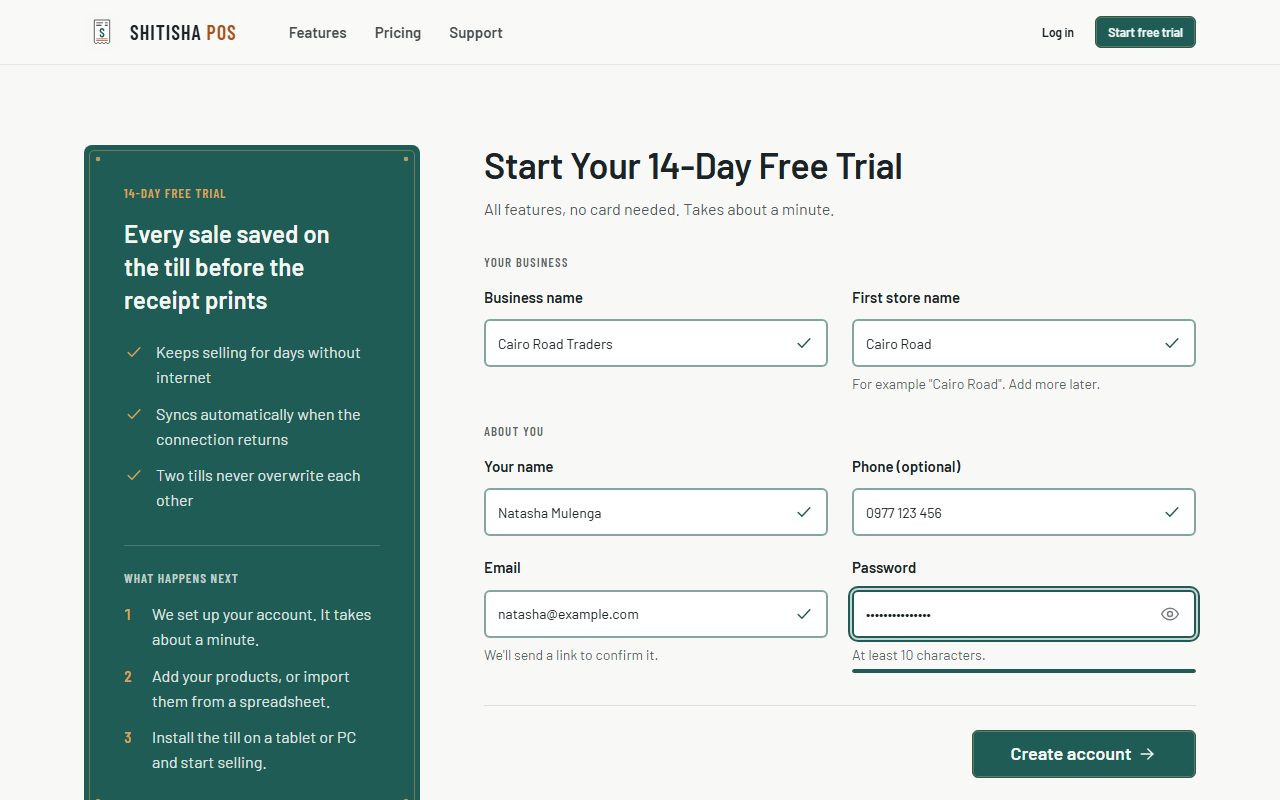
- Fill in your business name, the first store name (for example "Cairo Road"), your name, email, an optional phone number, and a password of at least 10 characters. Each field is checked as you go: a tick means it's fine, and a red message says what to fix. The bar under the password fills up as you reach 10 characters; choose the eye to see what you typed.
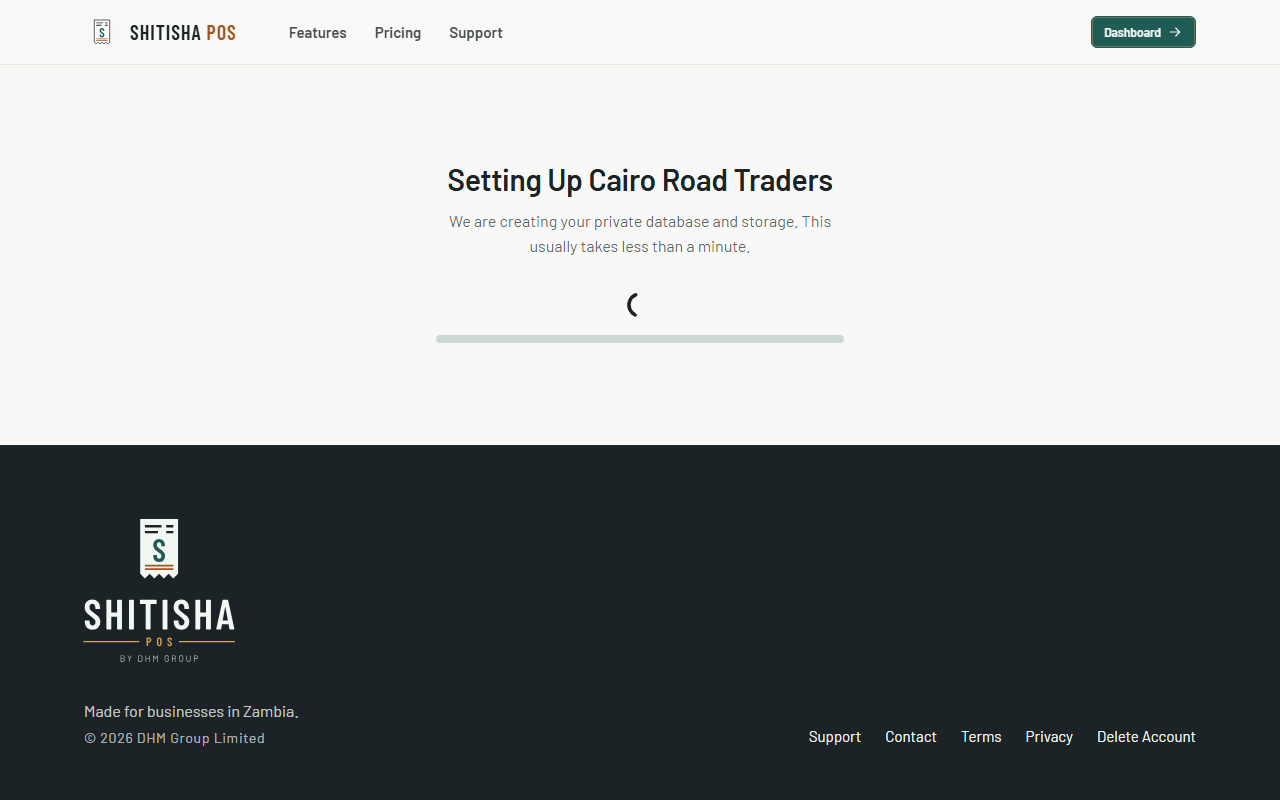
- Complete the quick security check above Create account if it asks you to (it often passes by itself), then choose Create account. You'll see Setting up, while we create your business's private database and storage. This usually takes less than a minute.
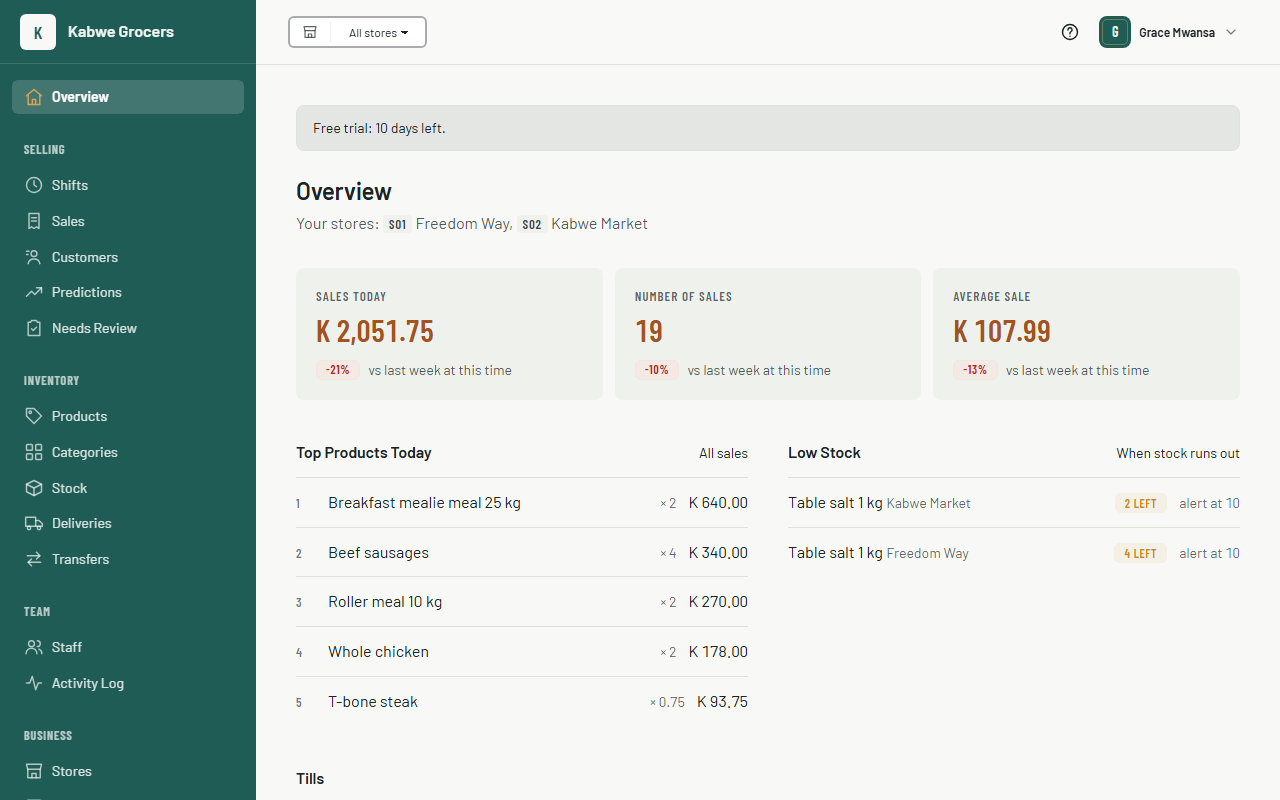
- When it's ready, you land on your dashboard. The banner at the top shows how many trial days are left. Once your tills are selling, the Overview shows today's sales, the top products, anything low on stock, and when each till last synced. See Sales reports and predictions for more.
- Open the email we sent you and click the link to confirm your email address. A second email, is ready on Shitisha POS, lists what was set up and the three things to do next. Keep it for the links.
Common questions
What happens when the trial ends?
Choose a plan and pay by bank deposit or transfer. If payment is late, your tills keep selling for a 7-day grace period.
Setting up says something went wrong.
Your details are saved. Choose Try again. If it keeps failing, contact us. Once we've fixed it, you get the is ready email, so you don't have to keep checking.
The security check won't pass.
It's there to stop automated sign-ups. Refresh the page and try again, and check that your browser isn't blocking scripts from challenges.cloudflare.com. If it still fails, contact us.
The confirmation email didn't arrive.
Check your spam folder. The link works for 48 hours.
Can I add more stores?
Yes. Your plan sets how many stores you can run. Tills per store are unlimited.